Every note, quote and highlight in one place
Photograph a passage and Seekquel lifts the text out, kept in book order.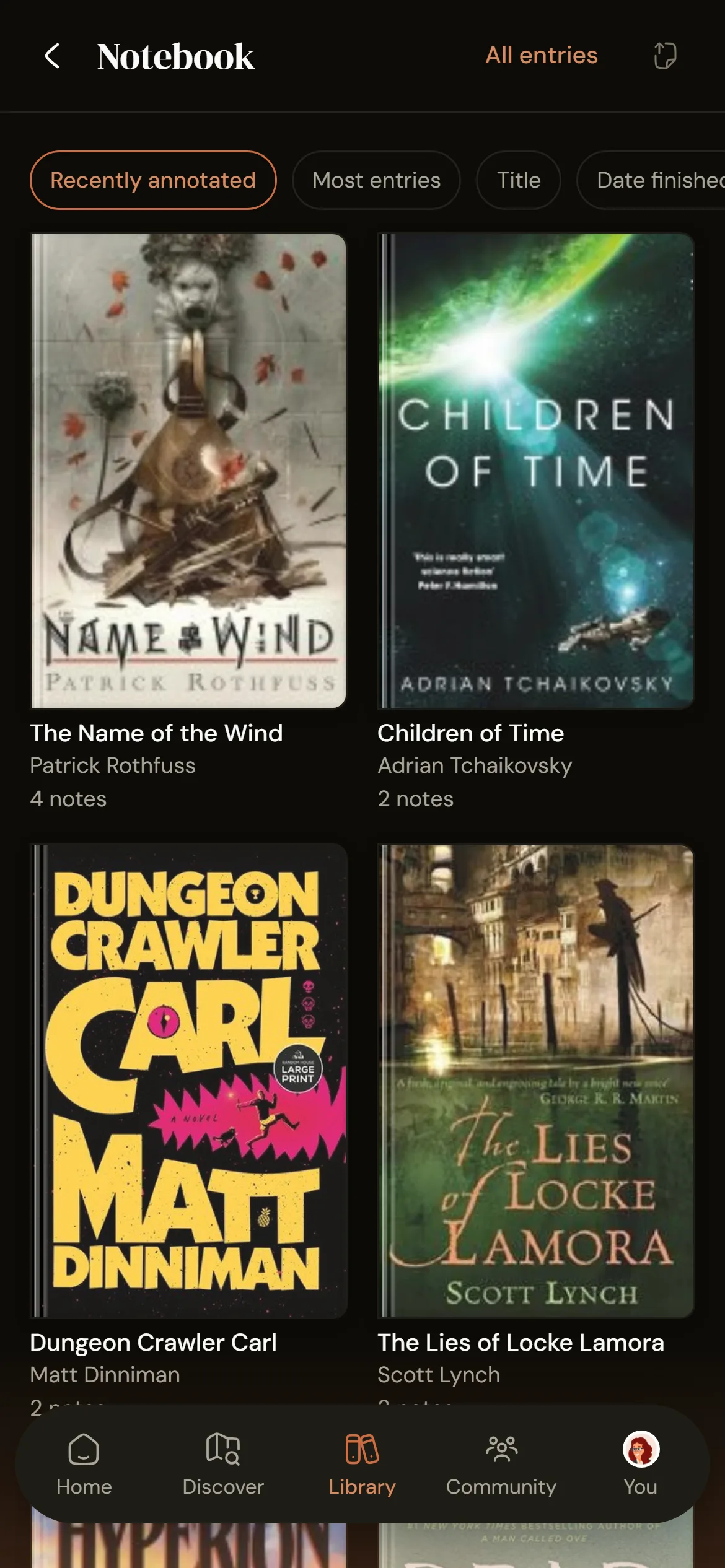
How reading notes work
1
Snap a passage
Photograph a page, tap the lines you want, and Seekquel reads the text.2
Write as much as you like
Up to 10,000 characters per note, with page, chapter, mood and your own tags.3
Find it again
Your notebook runs in book order, and a daily card resurfaces a forgotten passage.A notebook that keeps up with your reading
- Camera capture with text recognition, or type quotes by hand
- Notes, quotes and photos grouped by book and searchable
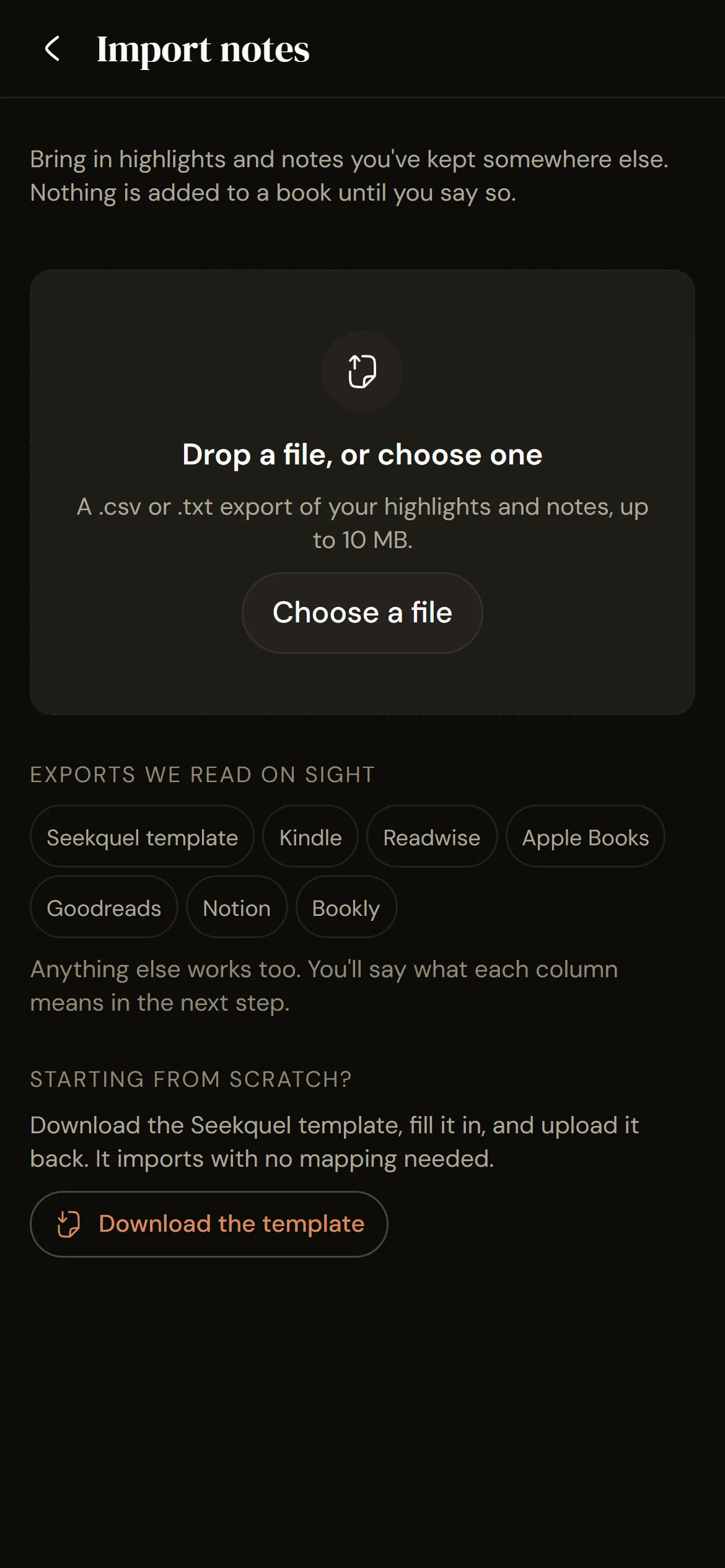
- Import Kindle highlights or any notes export
- Private by default, shared when you choose
Frequently asked questions
Yes. Upload your "My Clippings.txt". Other exports work too, with a template to download if yours is not recognised.
Yes, by default. You make each note public yourself, and quotes and photos reach the feed only when you share them.
Each note holds up to 10,000 characters, with no limit on how many. Free accounts get 5 camera-scanned quotes a month and 3 photos per book; typed quotes are unlimited. Pro raises photos to 50 per book and removes the scan limit.
Yes, except camera capture, which needs the iOS or Android app.
Get it on your phone.
Scan the QR or tap a store badge. Free on iPhone and Android.Scan to install