A reader for the books you already own
Open an EPUB from Google Drive and read it in Seekquel, with the book's map in a window over the page. Your place, reading time and highlights go into your library as you read.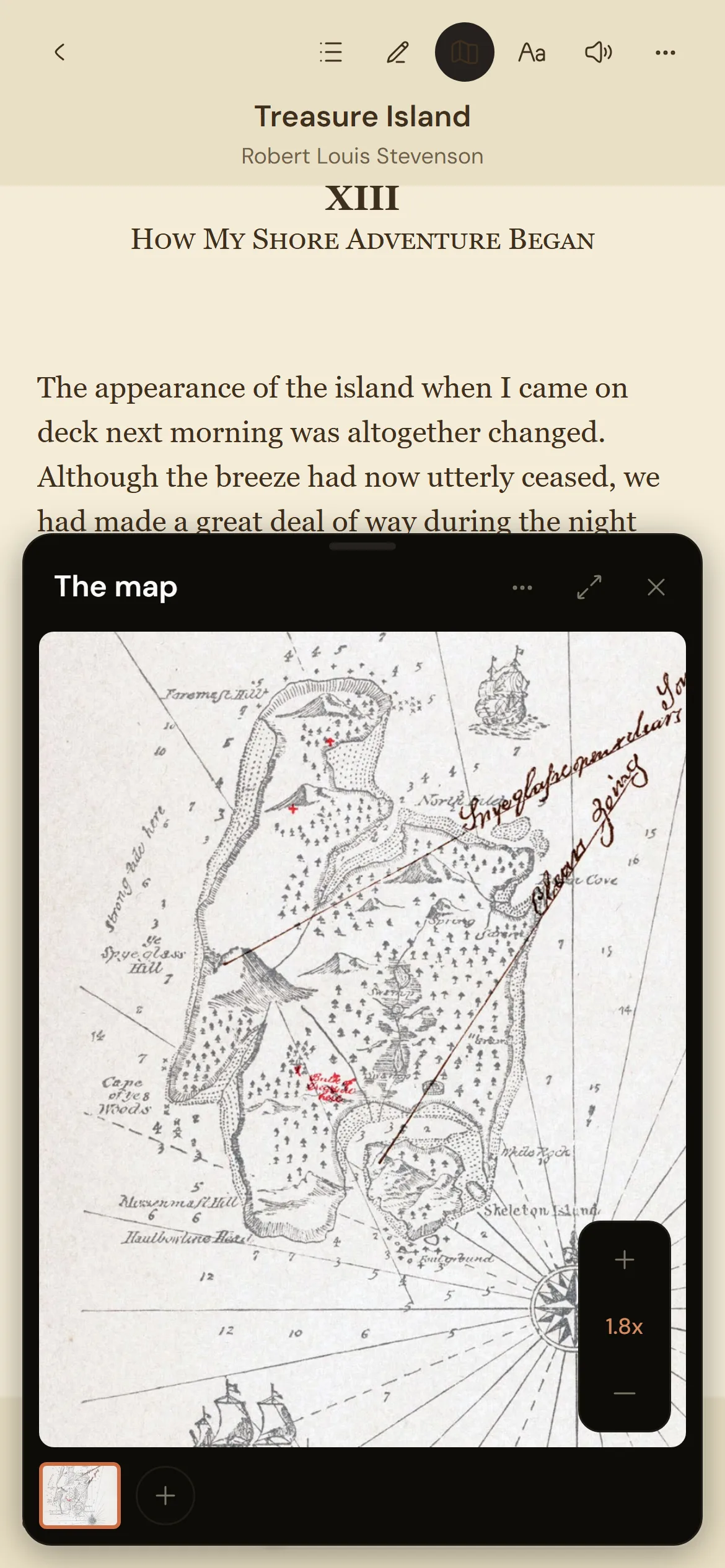
The map stays beside the page
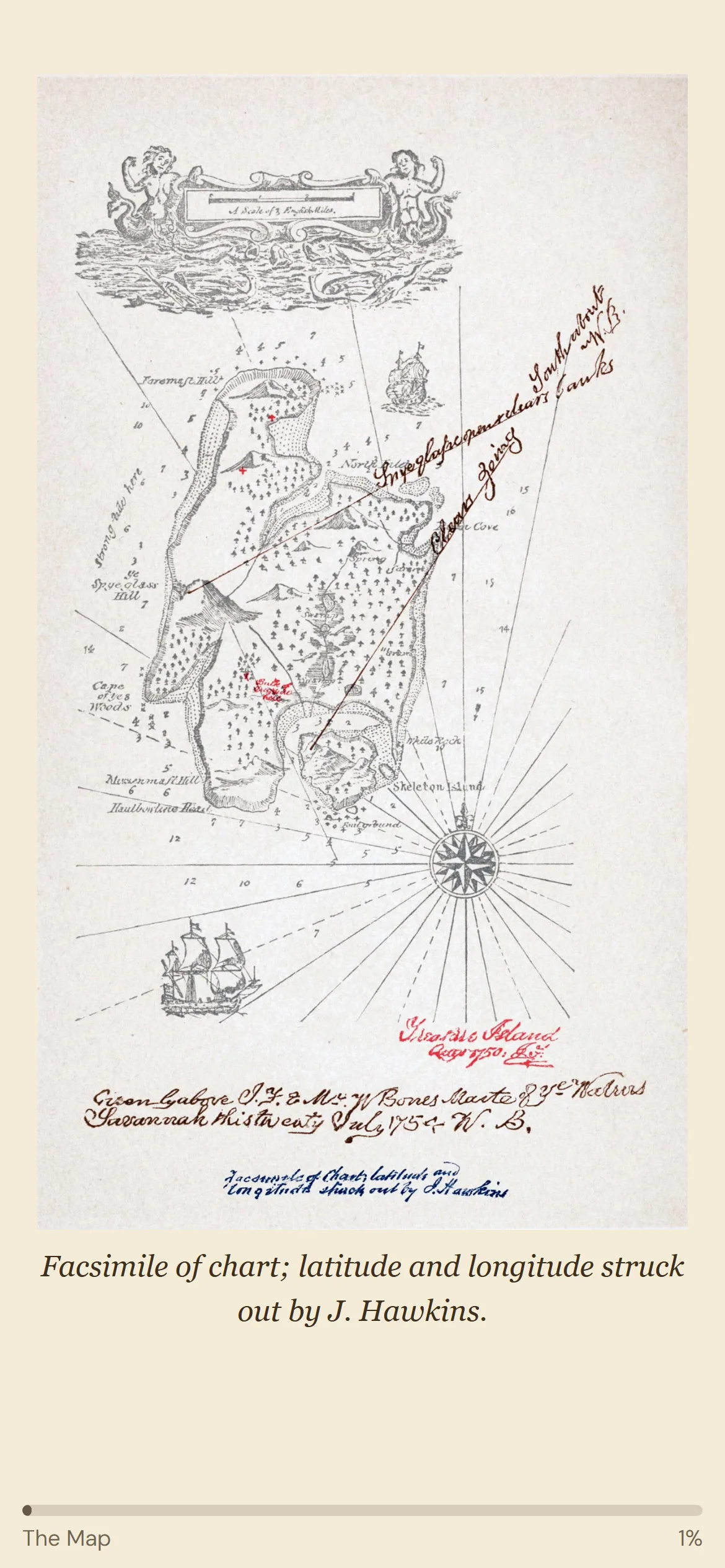
Tap the map at the front of the book and keep it. It opens in a small window over the page: pinch to zoom, drag it out of the way, and pull it down to put it away until you need it again. A photo of the map in your paperback works too.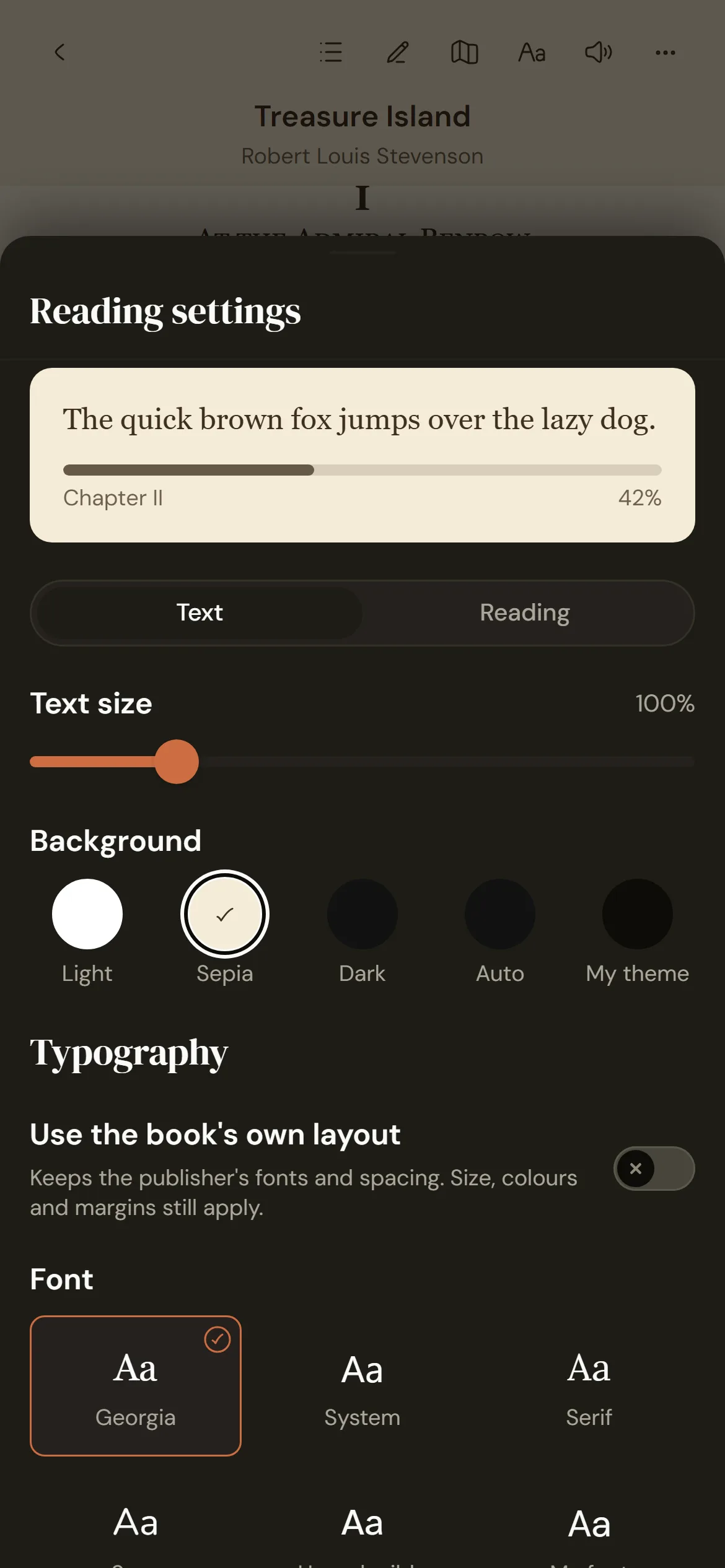
Set the page the way you read
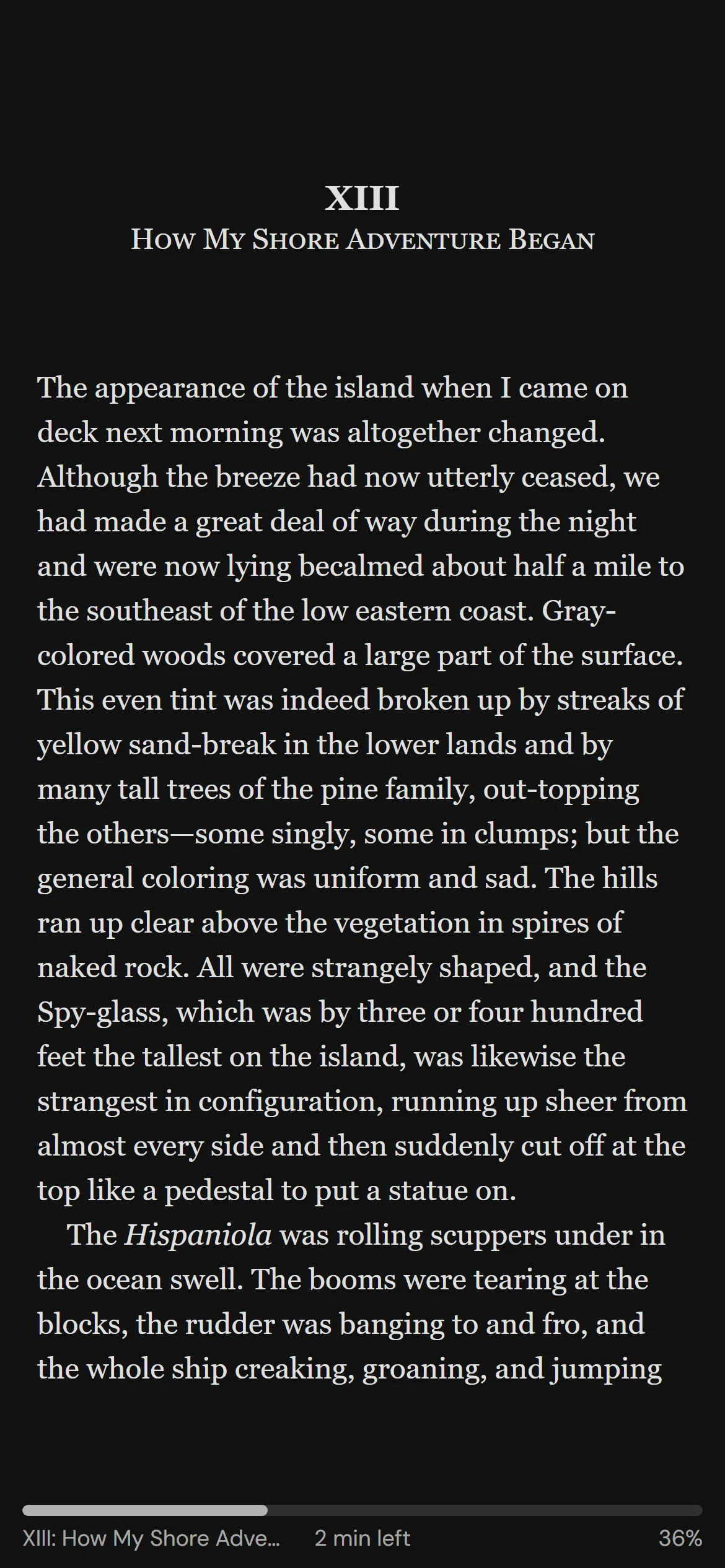
Light, sepia, dark, or the colours of your Seekquel theme. Pick a font, including Hyperlegible, and set margins, spacing, columns, and pages or scroll. Pinch the page to change the text size.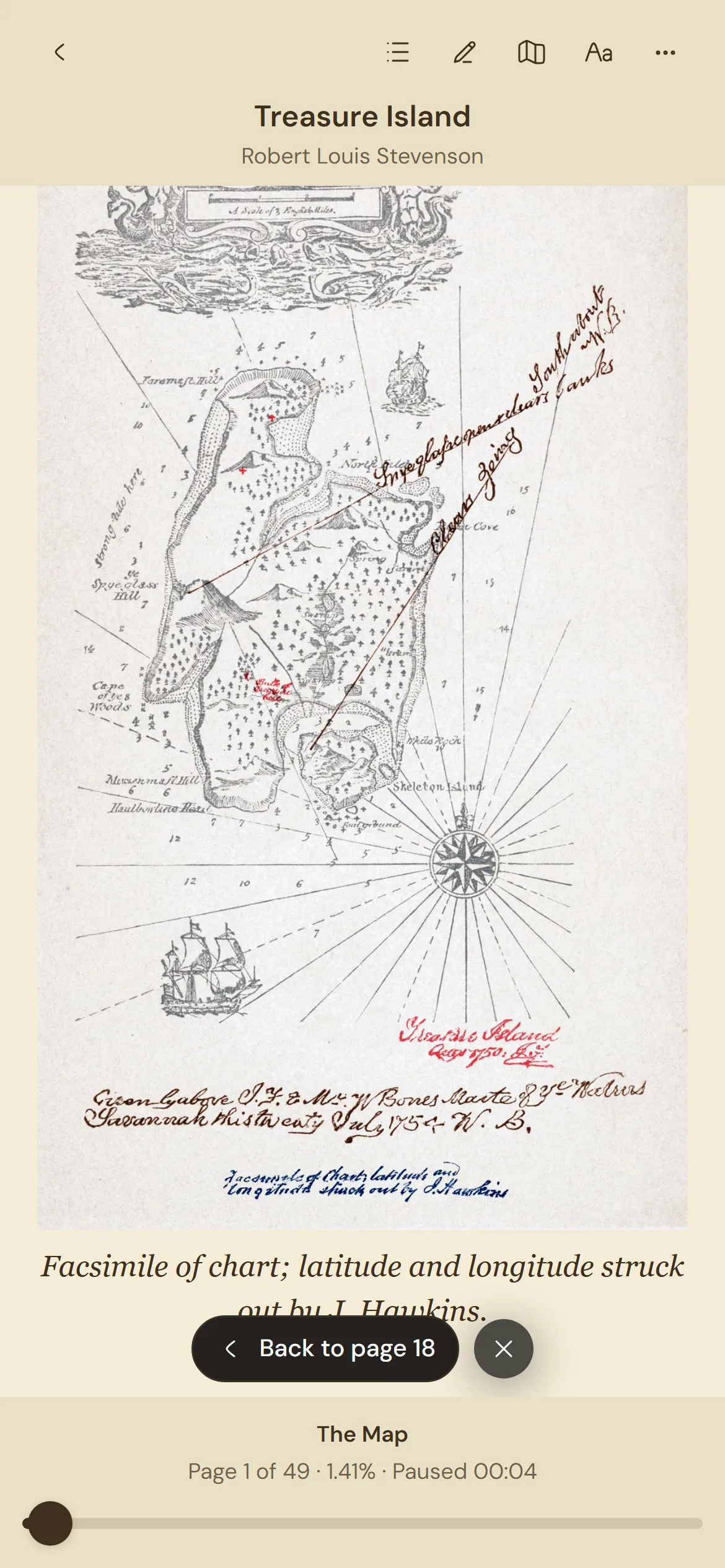
Look things up without losing your place
The contents and a search of the whole text share one sheet. Footnotes open over the page. After a jump, one tap takes you back to where you were, or you can stay and read on from there.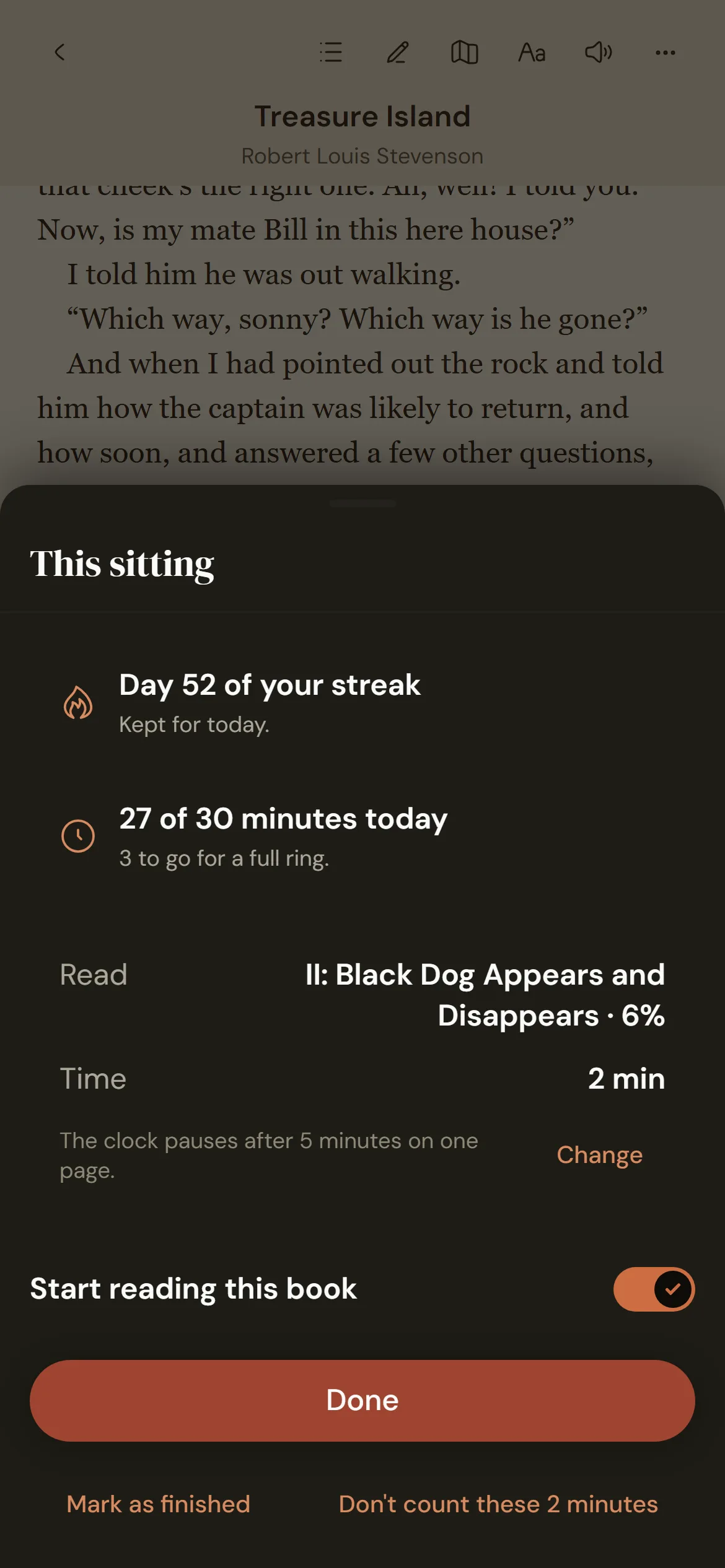
Your reading counts as you read
The clock runs while you turn pages and stops when a page sits for five minutes. Your place, pages and time go to the book in your library, and into your stats, streak and goals. The book opens where you left it on any device.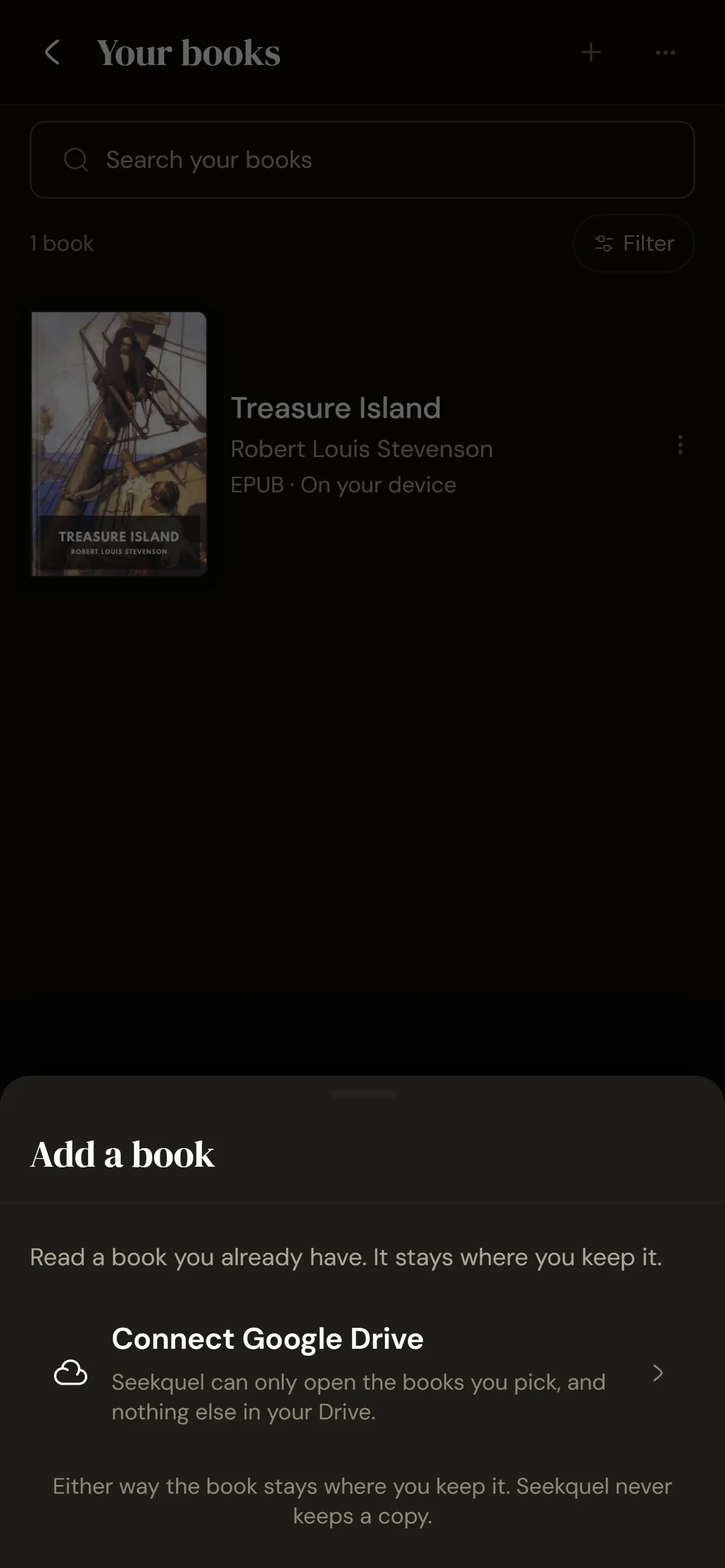
Your files stay where they are
Add EPUBs and audiobooks from Google Drive. Seekquel reads them from there and keeps no copy. Link a book's EPUB and audiobook to switch between them at the same point.Frequently asked questions
EPUB books, and audiobooks as MP3, M4B or M4A files, including one split across several files. PDFs can't be added, and files locked to a store can't be read.
No. Your books stay in your Google Drive, and Seekquel can open only the files you pick.
Reading your own books is part of Seekquel Pro. The map window is there for everyone: free readers can upload one map or reference per book and Pro readers 20, and pictures kept from the book itself aren't counted.
Yes. Take a photo of the map, family tree or list of names and add it to the book. It opens in the same window, in the reader or in the reading timer's focus mode.
Yes, with the voices on your own device. Pick a voice and a speed in the reading settings.
Yes. If you read the same book on a KOReader or Readest device, the reader offers to jump to the furthest place when you open it.
Get it on your phone.
Scan the QR or tap a store badge. Free on iPhone and Android.Scan to install