The parts of Seekquel you decide
None of it is compulsory. Build your home screen from more than thirty cards, choose who sees what, and keep the community on its own tab.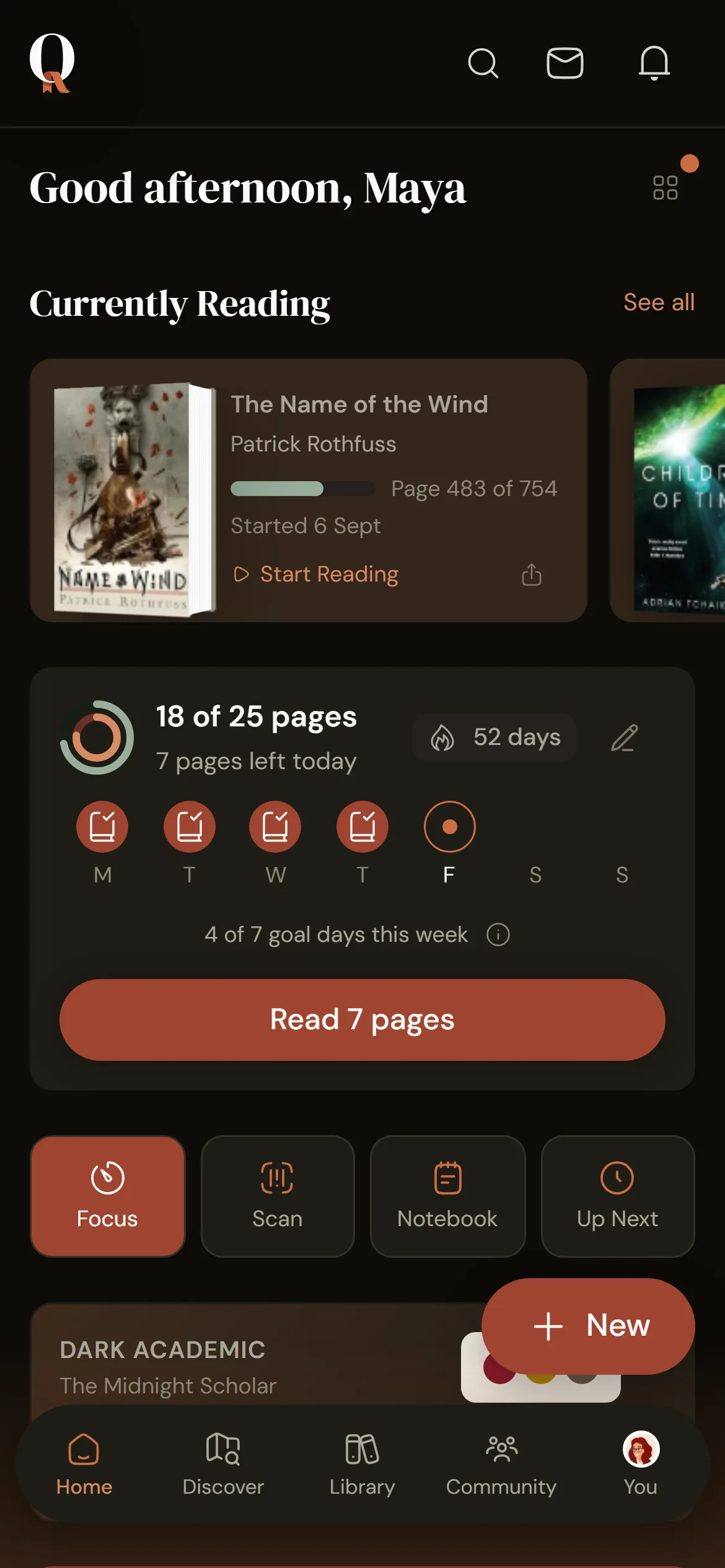
Three things you set up
1
Build your home screen
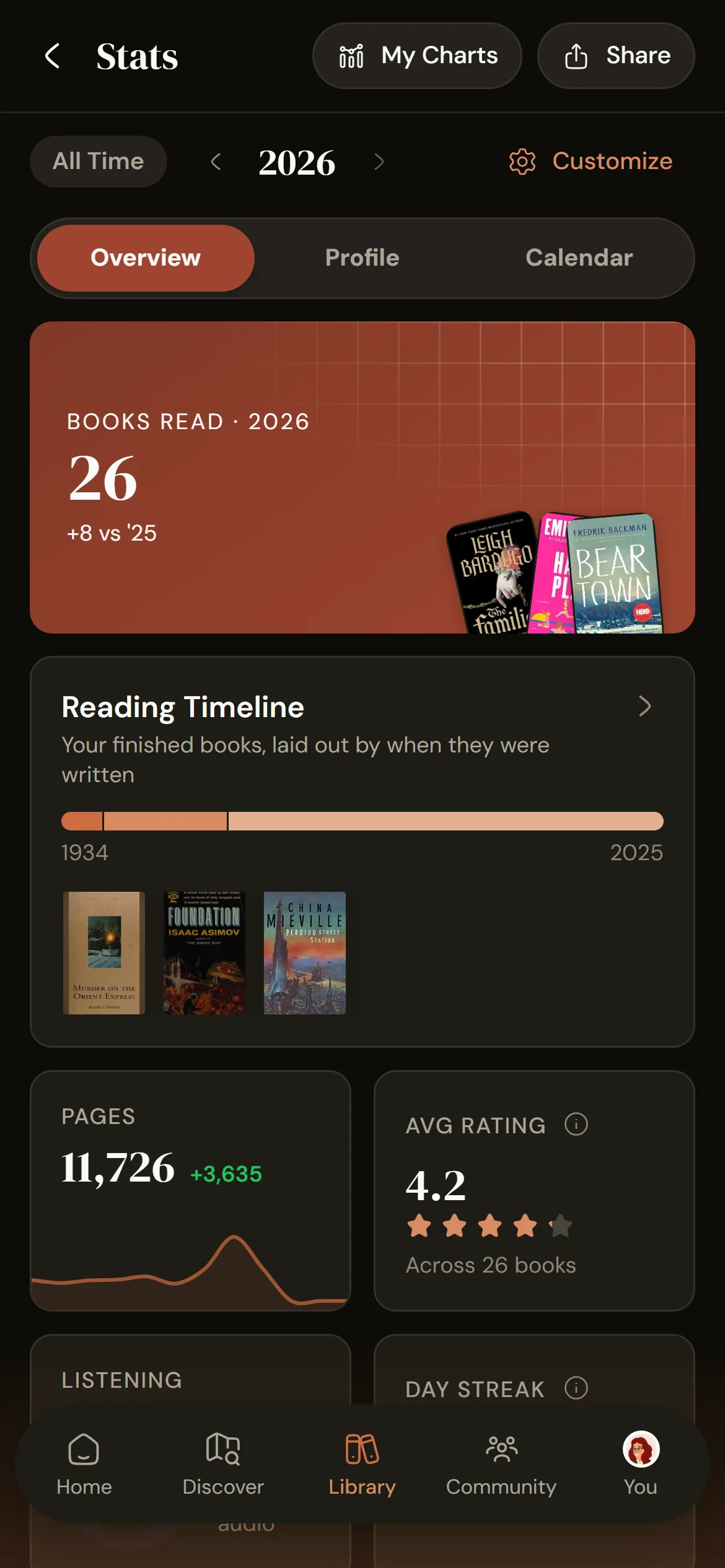
Drag more than thirty cards into order and switch off what you don't use. Your stats page and public profile work the same way.2
Choose who sees what
Make your profile public, followers-only or private, then show or hide each part. Signup offers a starting point you can change later.3
Decide how social it gets
The community has its own tab. Nothing social reaches your home screen unless you add it.What you can change
- Separate layouts for home, stats and your public profile
- 22 themes, text size, reduced motion and reduced transparency
- Around twenty privacy settings, each on its own
- No ads, no data selling, analytics you can decline, and a full export
Frequently asked questions
Yes. Tracking, notes, stats, goals and your garden all work without following anyone. To stay out of sight, make your profile followers-only or private, stop posting activity to the feed, and stay out of community discovery.
Each part separately: currently reading, stats, badges, reading challenges, followers and following, reviews, reading preferences and each of the eight profile tabs. You also choose who can message you, whether follows need approval, and whether new shelves start public or private. A single book can be read quietly: it stays in your library and stats, and nobody else sees it.
Yes. Open Customize Home, drag cards into order and switch off what you don't need. A card appears only once it has something to show.
No to both, on every plan. Seekquel asks before collecting usage analytics, and you can change your answer in Privacy Settings. You can export everything you have added.
No. Seekquel is independent and funded by Pro subscriptions.
No. Badges, bingo, streaks, clubs and the feed are all optional: switch a card off your home screen and it stops appearing. Plenty of people use Seekquel as a plain reading log.
Get it on your phone.
Scan the QR or tap a store badge. Free on iPhone and Android.Scan to install